PhotoDirector
Screenshots

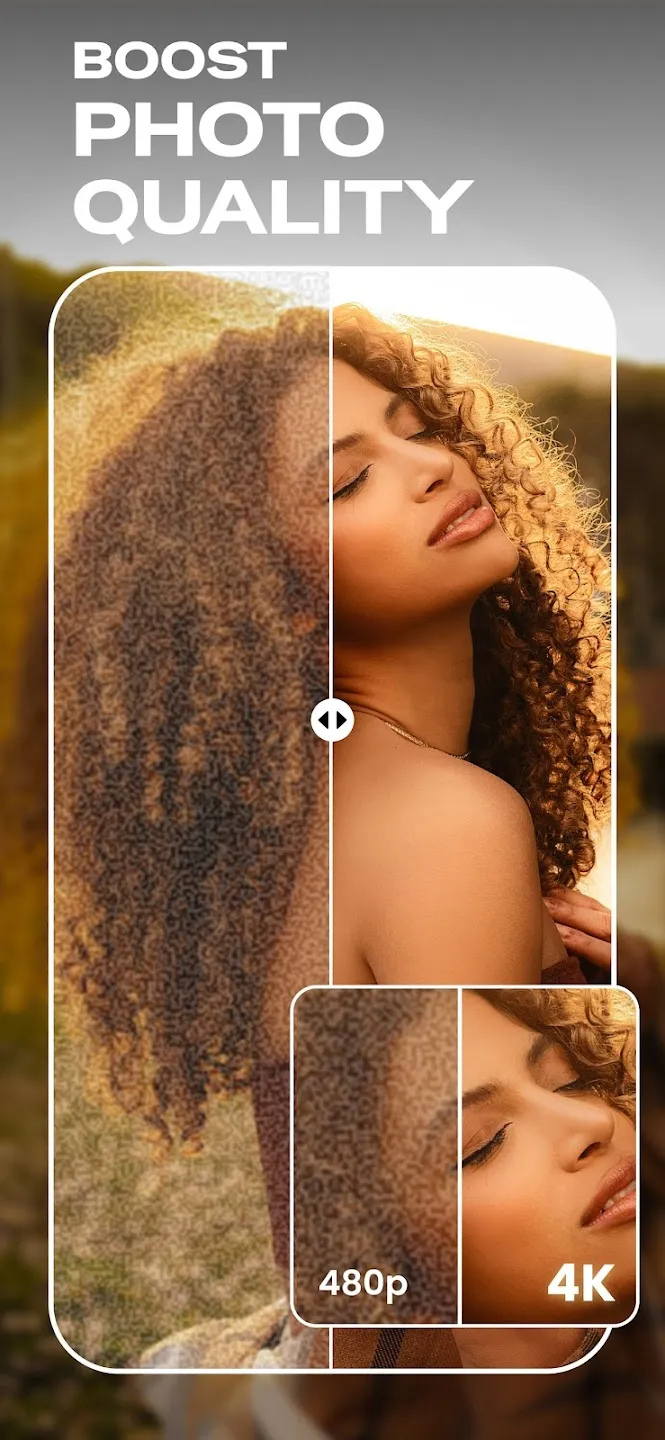
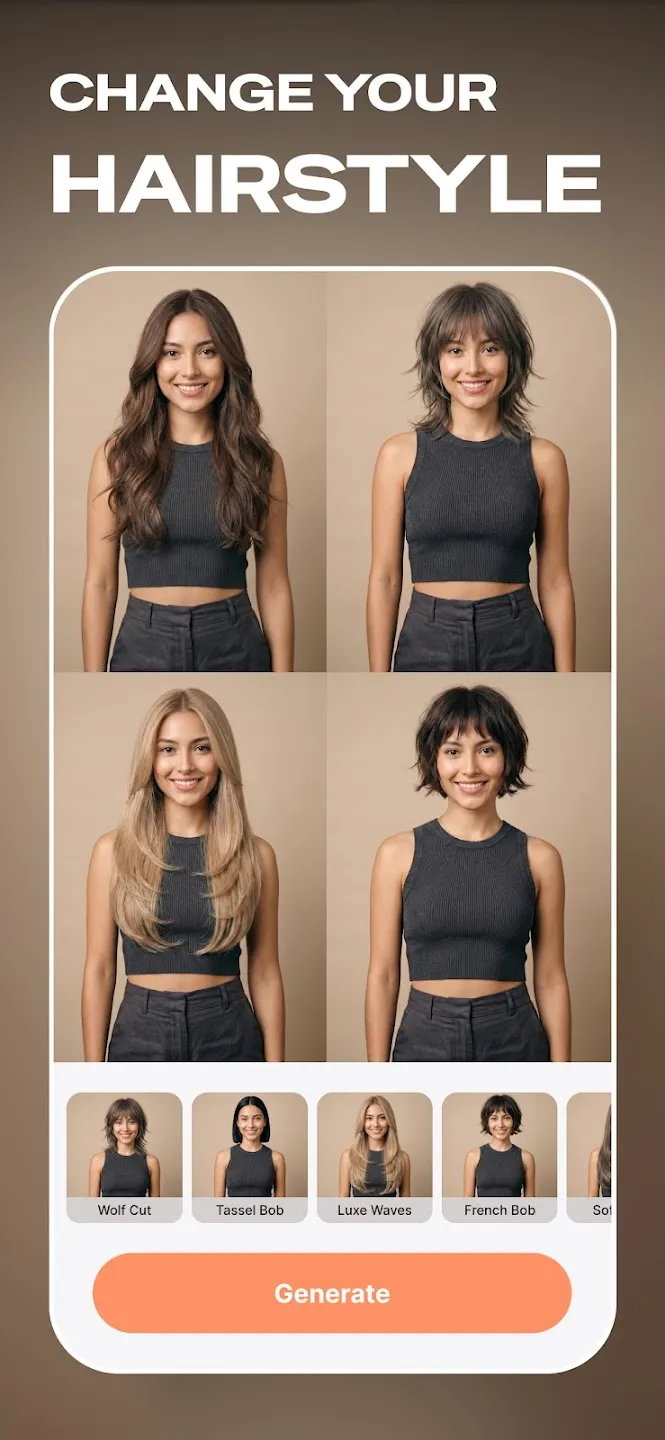
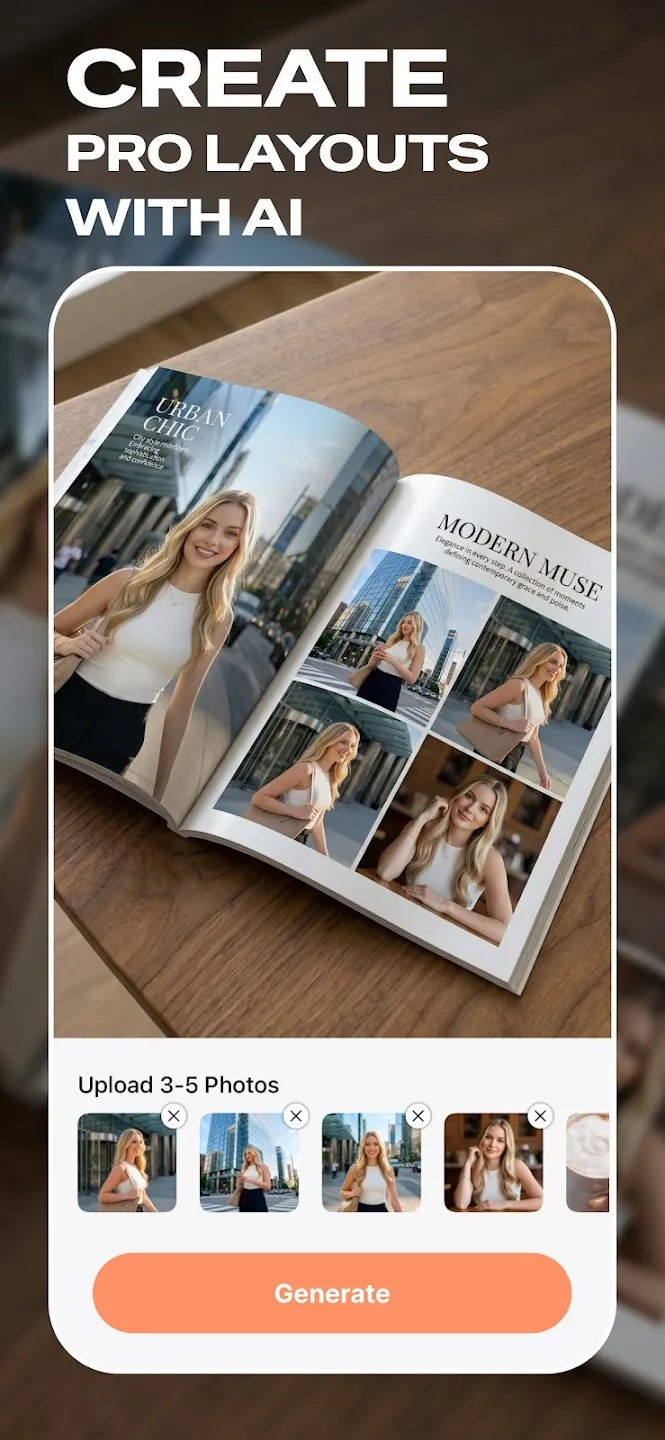
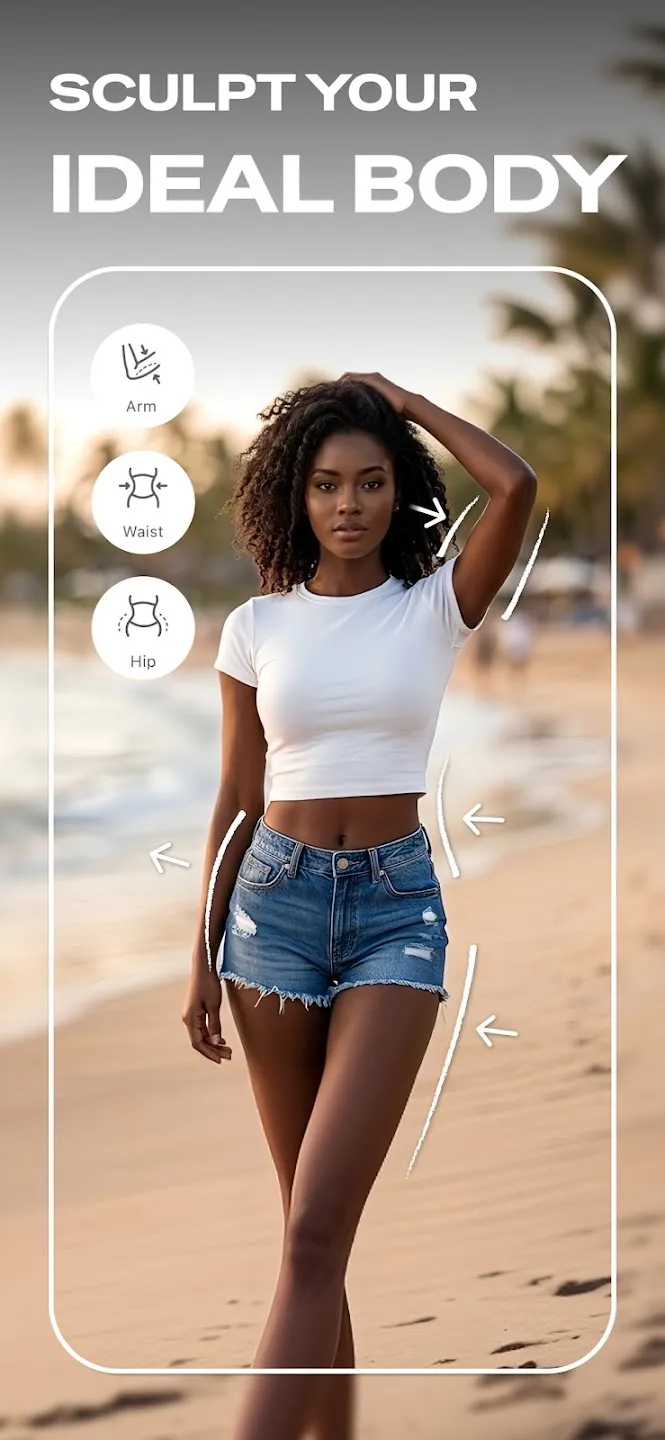
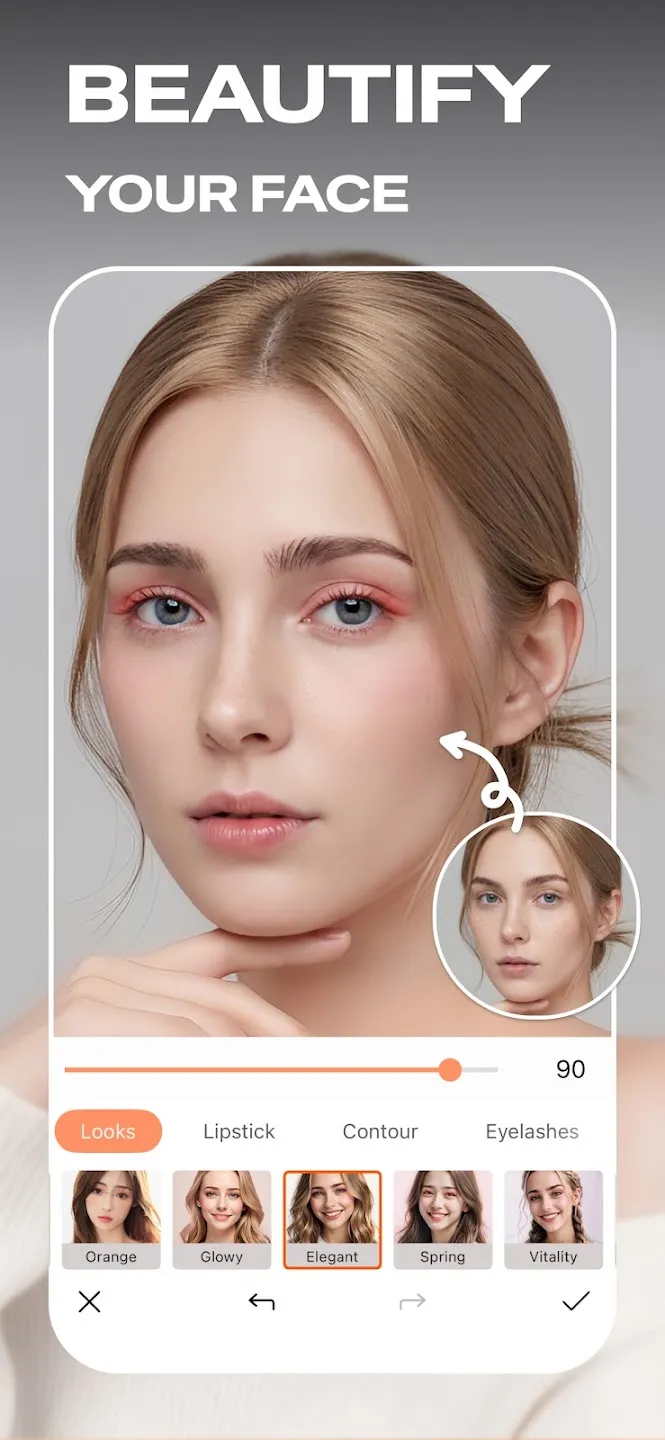
PhotoDirector gives mobile users a complete set of photo editing tools right on their mobile screens. Many people want to improve their mobile pictures quickly. Therefore, this mobile photo editor offers an easy way to fix lighting, change backgrounds, and add creative effects. You can change ordinary pictures into great visual content within minutes.
First, the user interface remains very clear. This clarity helps beginners learn the editing tools without confusion. Furthermore, advanced creators can find deep settings to adjust colors and tones precisely. You do not need a computer to create stunning images anymore. Instead, PhotoDirector puts professional controls directly into your hands. This text explores how the photo editor functions. We will examine the best options for your photography needs.
Discover The Core Elements Of PhotoDirector
PhotoDirector combines basic fixes with advanced artificial intelligence tools. Users often need to crop images or adjust brightness. Consequently, the photo editor provides simple sliders for these exact tasks. You can change exposure, contrast, and saturation instantly. In addition, the tool contains smart features that analyze your photos automatically. This automation saves time for busy editors. For example, the automatic enhancement tool fixes dull colors with one single tap. Then, you can view the before and after versions to compare changes. Many photographers love this quick feedback loop.
Moreover, the tool maintains high image quality during the editing process. Your final photos remain sharp and clear for social media sharing. Therefore, you get excellent results without losing important details. Creators can also save their favorite settings as custom presets. This option allows you to apply the same look to multiple images later. Thus, your photography style stays consistent across your whole feed.
- Crop and rotate images.
- Adjust brightness and contrast.
- Change color saturation and warmth.
- Modify highlights and shadows.
How AI Tools Improve PhotoDirector Performance
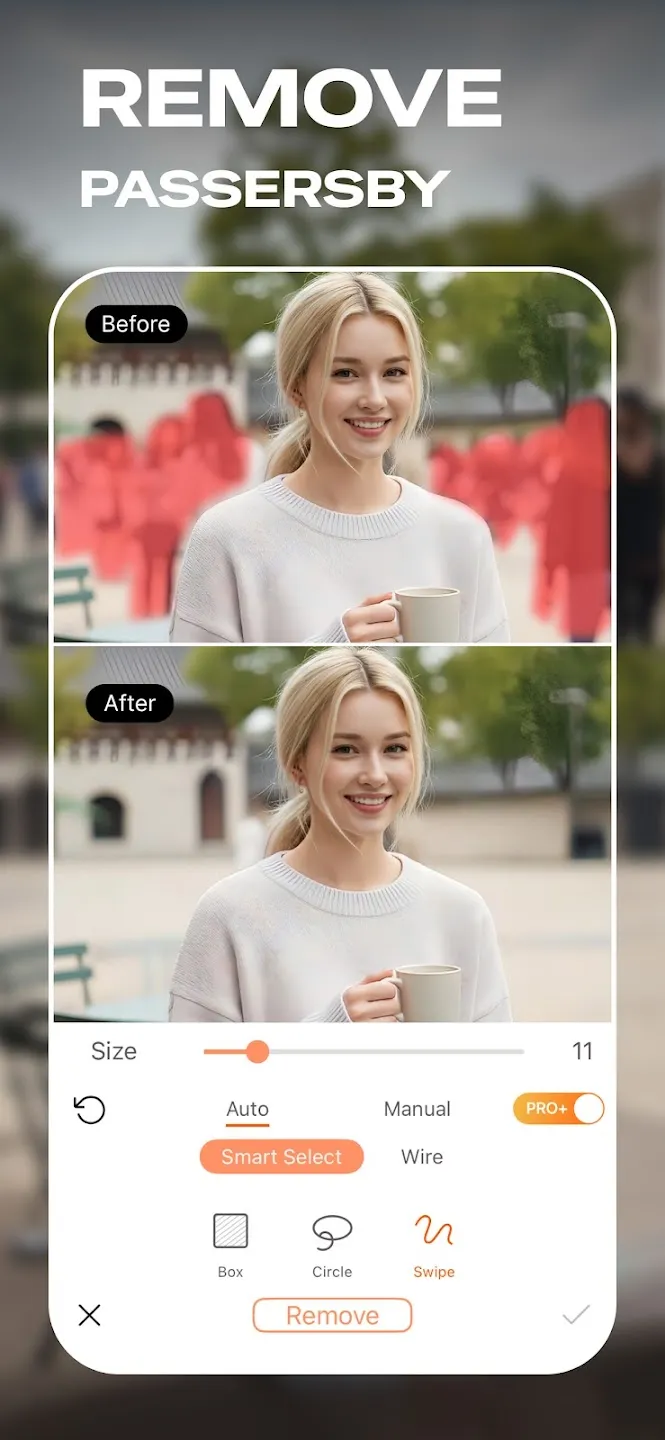
Artificial intelligence changes the way people edit photos on mobile devices. PhotoDirector includes several smart AI tools to fix common picture problems. For instance, the AI object removal tool deletes unwanted tourists from your vacation photos. You simply brush over the object you want to remove. Then, PhotoDirector fills the empty space with matching pixels from the background. This process looks natural and clean.
Furthermore, the AI sky replacement tool alters the mood of any landscape photo. If your sky looks grey and boring, you can select a bright blue sky instead. The tool automatically detects the horizon line. Therefore, the new sky blends perfectly with the trees and buildings. In addition, the AI denoise feature cleans up grainy images taken in low light. This feature makes night photos look sharp and professional. Consequently, you can shoot photos at any time of day without worrying about noise.
- AI Object Removal for clean backgrounds.
- AI Sky Replacement for dramatic weather changes.
- AI De-noise for crisp low-light photography.
- AI Face Blur removal for sharper portraits.
Creative Stylization Options In PhotoDirector
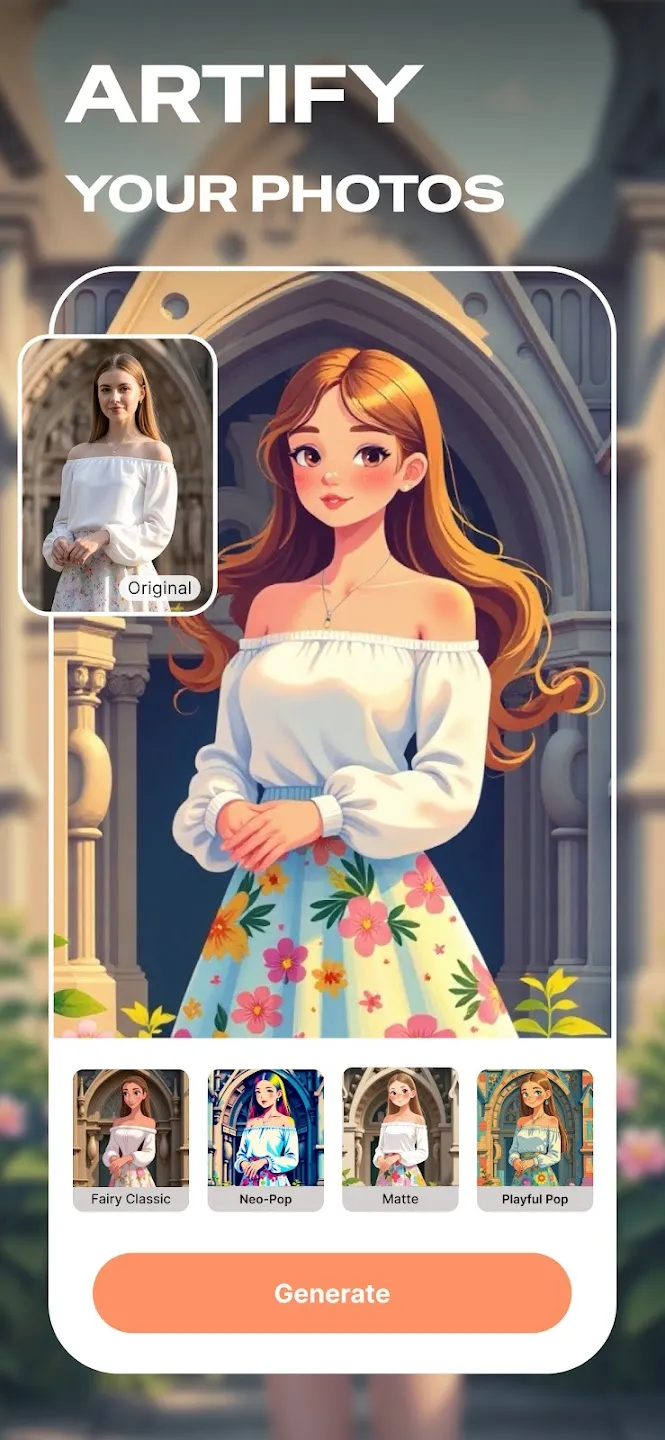
Creative filters help photographers express their personal style easily. PhotoDirector offers a vast library of filters and effects for every mood. First, you can apply classic black and white tones for a timeless look. Second, you can try vibrant cinematic filters to make your pictures pop. However, filters are only the beginning of your creative journey.
PhotoDirector also provides light leak effects and scratch textures for a retro appearance. These elements simulate the look of old analog film cameras. Furthermore, the photo editor includes blending modes for double exposure images. You can combine two different photos into one artistic masterpiece. For example, you can blend a portrait with a forest scene. This technique creates a poetic and surreal visual message. Then, you can adjust the opacity to control the blending strength. Thus, you gain full control over the final artistic product.
- Vintage and retro film textures.
- Glitch and light leak effects.
- Double exposure blending modes.
- Artistic oil painting filters.
Graphic Design Tools Inside PhotoDirector
PhotoDirector works well for graphic design tasks in addition to standard photo editing. Users often want to add text or stickers to their images. Therefore, PhotoDirector includes a robust text editor with numerous font styles. You can change text colors, add shadows, and curve the text along shapes. This tool helps you create flyers, invitations, or social media graphics easily.
In addition, the program offers a large collection of themed stickers. You can find stickers for holidays, birthdays, and seasonal events. Furthermore, the frame tool allows you to place your photos in beautiful borders. You can choose from simple geometric frames or complex decorative layouts. Consequently, you can prepare your photos for print or digital display quickly. The collage maker also helps you combine multiple pictures into one grid. You can choose from various templates and customize the spacing between images.
- Custom text formatting with unique fonts.
- Decorative stickers for social media posts.
- Geometric and themed photo frames.
- Multi-photo grid collage creators.
Precision Retouching With PhotoDirector
Portrait photographers require specialized tools to enhance human faces. PhotoDirector provides a dedicated portrait retouching section for smooth results. For example, the skin smoothing tool removes blemishes and reduces wrinkles effortlessly. You can control the strength of the effect with a simple slider. Therefore, the skin never looks artificial or overly blurred.
Furthermore, the face shaper tool allows you to adjust facial features gently. You can enhance smiles or brighten eyes with a few taps. The teeth whitening option also improves smiles instantly. In addition, the red-eye removal tool fixes flash defects from night photography. These precision adjustments help you create perfect headshots and selfies. Consequently, your subjects always look their best in every shot. You can perform these edits directly on your phone without desktop software. This convenience makes PhotoDirector highly efficient for mobile portrait photographers.
- Skin smoothing and blemish removal.
- Face shaping and contouring controls.
- Eye brightening and teeth whitening.
- Quick red-eye correction tools.
Managing Your Workflow
Organization remains an important part of the photography process. PhotoDirector offers an intuitive built-in gallery to manage your images. First, you can sort your photos by date or folder. This system helps you find specific images quickly. Second, the editor allows direct import from your camera roll. You can start editing immediately after taking a picture.
Furthermore, PhotoDirector supports high-resolution exports. You can save your work in various formats like JPEG or PNG. This flexibility ensures your photos match the requirements of different platforms. For example, you can export large files for printing purposes. Alternatively, you can compress images for fast web uploads. The sharing options also connect directly to major social networks. Consequently, you can publish your finished art with one click. This seamless workflow saves energy and time during busy days.
- Direct folder organization for easy access.
- Quick import options from local storage.
- Multi-format export including JPEG and PNG.
- Direct social media sharing shortcuts.
Conclusion
PhotoDirector provides a comprehensive solution for mobile photo editing needs. It guides users from initial image import to the final creative export. You can fix simple lighting issues or completely transform backgrounds with AI. The clear interface ensures that anyone can master these tools quickly. Furthermore, the regular updates add new filters and features to your phone. You do not need expensive computer software to achieve professional results. Instead, you can rely on this mobile photo editor for daily content creation. Start exploring the tools today to elevate your photography style.
-
PowerDirector
 Download
PowerDirector - Video Editor
PowerDirector offers an incredible video editing experience...
- VITA – Video Editor & Maker
- Amazon Photos
- CapCut
- TIDAL Music
- Blurrr
- Apple Music
- Photo Editor